[Solved] wordpress automatic update from version 2.7.1 to 2.8.4
After moving from Asmallorange to exabytes hosting, i cannot upgrade all my plugins and can’t upgrade my wordpress to the latest version 2.8.4
I have search through everywhere but couldn’t find the solution to this problem.
I have tried downloading core control and edit .htaccess but failed.
Finally i solved it !
1. Always backup your database and also your files / folder.
2. Delete your old wp-includes and wp-admin directories.
3. Upload the new wp-includes and wp-admin directories.
4. Upload and overwrite all the old files in the root, EXCEPT the wp-content folder and wp-config.php file. (I repeat DO NOT DELETE YOUR WP-CONTENT and WP-CONFIG.php file)
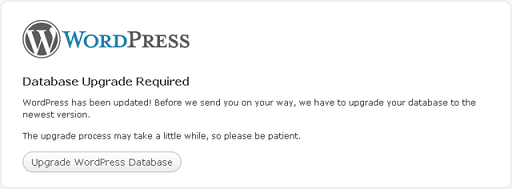
5. Visit your main WordPress admin page at /wp-admin, login and it leads you to an upgrade page, click upgrade and follow instruction.
p/s: I use Filezilla to copy the files, coz it’s easier..



Leave a Reply